This page is enhanced using Adobe Flash. To get the full experience of this page, please download the latest Adobe Flash Player.
 

Postcards

Pick up A Postcard Sent to You
Enter Ticket Number Ticket numbers have 15-17 digits

Create A New Postcard


Step 1: Select a Card (Click on a photo to view it at full-size.)


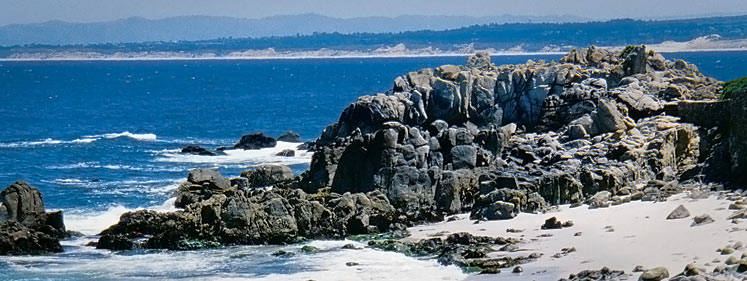
The Monterey Coast
Monterey Coast Monterey Bay Carmel River Beach Big Sur Coastline
Colton Hall Pastures of Heaven Fisherman's Wharf Carmel Mission
Around the County
Bixby Bridge Carmel-by-the-Sea Sea Otter Monterey Bay Aquarium

Step 2: Enhance Your Card

Add a Heading
 
Add a Signature
 
Select Colors
For text

For card background

For page background
 
Select Music
 
Select a Fun Fact Big Sur
Carmel Mission
Fisherman's Wharf
Monterey Coast
none
Bixby Bridge
Carmel Beach
Monterey Bay
Pastures of Heaven
Carmel-by-the-Sea
Colton Hall
Monterey Bay Aquarium
Sea Otter

Step 3: Write Your Message


You can use HTML tags.

Step 4: Address Your Postcard


Your Own Name
  E-mail
Your Recipient's Name
  E-mail

You will be notified when your recipient picks up the postcard.

Important! Please check email addresses carefully. Your postcard will not reach the recipient if you sent it to the wrong address.

Step 5: Finalize and Send


Preview your postcard first
Recommended. You may want to correct something.

Send without preview
Use if you are sure you typed all correctly.


MyPostcards Network
 
Create your own travel itinerary of activities, accommodations and maps.
Click on this icon to add or remove items for your MyMonterey itinerary.
Category:
Start Date
End Date
Keywords